

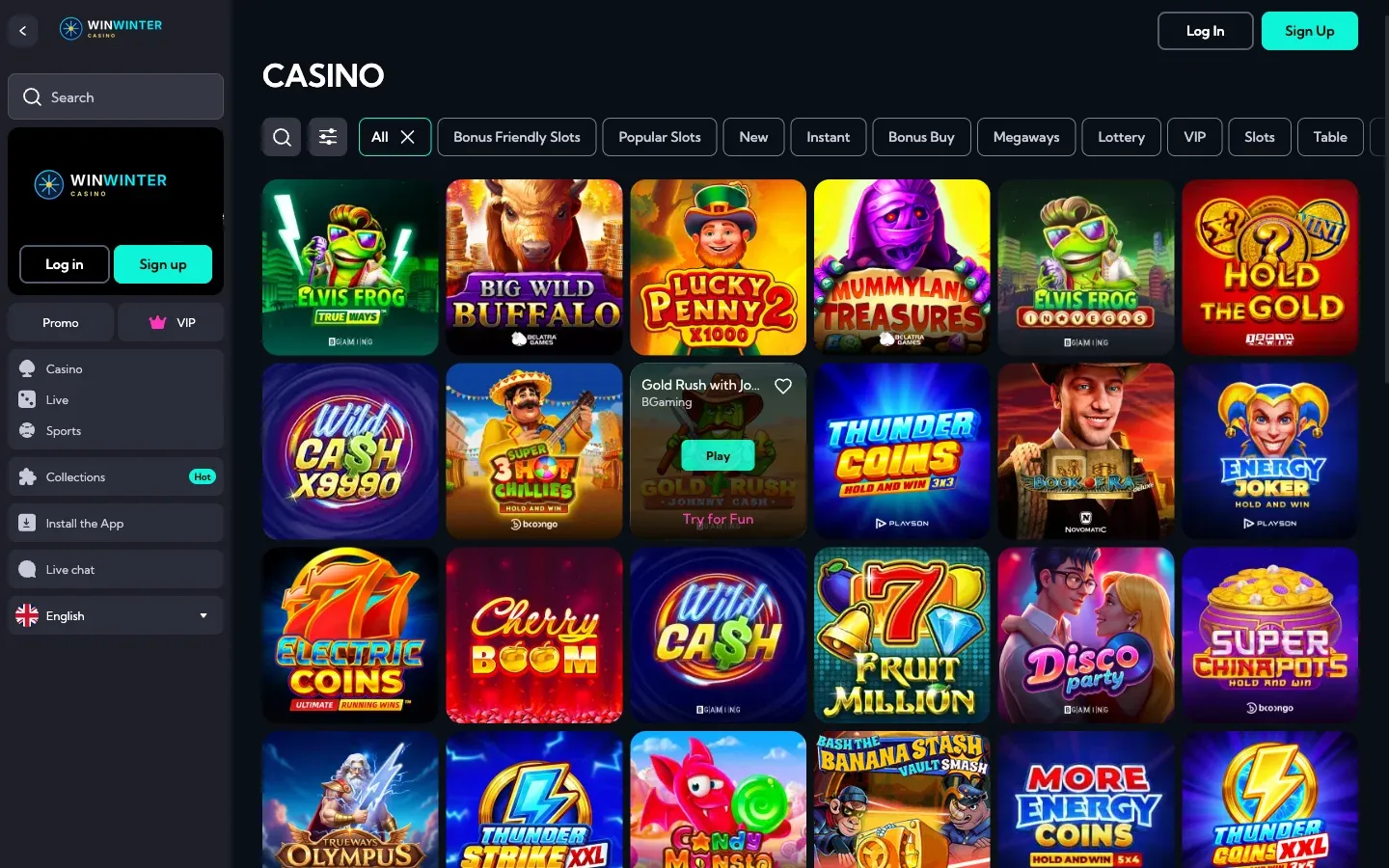
Setting up your WinWinter account is a straightforward process designed to get you into the action quickly. Most new players complete the entire setup in about 3 minutes. One form. Then straight in.
Everything you need to play casino games and place sports bets is accessible through a single, unified account. Once your registration is confirmed, you gain full access to the platform on desktop or mobile browsers.
WinWinter registration: at a glance
| Step | What you do | What you need |
|---|---|---|
| 1 Fill in details | Enter basic login and personal data | Valid email and password |
| 2 Confirm account | Verify the email address | Access to your inbox |
| 3 Verify | Upload identification documents | ID, passport, or driver’s licence |
| 4 Deposit | Make your first payment | Visa, Mastercard, crypto, or e-wallet |
Registration requires only a few minutes of your time. This structure ensures that your profile is set up correctly from the start, allowing for smooth gameplay and future payouts. The platform does not require any special software or apps. You can access everything directly via your browser, whether on a computer, smartphone, or tablet. If you already have an account, you can access your profile via the WinWinter login page.
WinWinter registration: creating an account step by step
Opening an account involves two clear stages. The platform requires accurate information to ensure compliance with security standards. You must be at least 18 years old to register.
Stage one: access credentials
The first step focuses on your digital identity. You will find the registration button on the main page. Upon clicking it, a two-part form appears.
- Enter a valid email address. This will serve as your primary contact point and login identifier.
- Create a strong password. It should contain a mix of characters to ensure account security.
- Confirm your password in the designated field. Ensure you have access to the email account provided, as it is essential for account management.
Stage two: personal details
Once you submit your credentials, the second part of the form opens. This section collects the information necessary to verify your identity. All details must match your legal documents.
- Enter your full legal name as it appears on your passport or ID card.
- Provide your date of birth. You must be 18 or older to complete this process.
- Input your current residential address. This is required for verification purposes later on.
- Enter your mobile number. This may be used for account security confirmations.
- Select your currency. The platform supports EUR for your wallet transactions.
Double-check all entered information before submitting. Errors in your name or date of birth can cause delays during the mandatory verification process. One account per person is allowed.
WinWinter verification: identity and address checks
Verification is a mandatory step that every player must complete before requesting their first withdrawal. This procedure, often referred to as KYC (Know Your Customer), is a standard industry practice to ensure the security of your funds and the integrity of the platform.
Documents required
To verify your account, you must provide clear images or scans of specific documents. The team needs to confirm both your identity and your current place of residence.
- Identity document: You may submit a copy of your passport, government-issued ID card, or a valid driving licence. Ensure all four corners of the document are visible.
- Proof of address: This document must display your name and full residential address. A bank statement or a utility bill, such as electricity or water, is typically accepted. It must be dated within the last 3 months.
Processing times
Once you upload your documents, they are reviewed by the support team. This review typically takes between 24 and 72 hours. While your account may allow for deposits before this check is complete, you cannot process a withdrawal until your identity is confirmed. Keep an eye on your email for updates regarding your verification status. If a document is unclear, the team will reach out to request a clearer version.
WinWinter registration: after registration
Once your account is set up, you are ready to explore the platform. A world of 3,000+ games and a comprehensive sportsbook awaits you. Your first step should be visiting the cashier to review the available payment methods and make a deposit.
Welcome bonus and payments
New players can claim a welcome package worth up to €2,400 plus 200 free spins, distributed over the first four deposits. The structure is as follows: the 1st deposit provides 100% up to €600 plus 100 free spins, the 2nd deposit offers 75% up to €600 plus 50 free spins, the 3rd deposit gives 50% up to €600 plus 50 free spins, and the 4th deposit grants 50% up to €600. The minimum deposit to trigger these bonuses is €20.
When making your first deposit, you can choose from various methods including Visa, Mastercard, Skrill, Revolut, Apple Pay, and cryptocurrencies like Bitcoin, Ethereum, Tether (USDT), and Litecoin. Always check the cashier tab for the most current list of available options for your specific region. Remember that no bonus code is required; simply tick the bonus box in the cashier when you deposit.
Before you deposit, take a moment to read the bonus terms in the cashier. The wagering requirement for the bonus and free spin winnings is 35x. The bonus remains valid for 14 days, and free spins are valid for 7 days. Free spins are credited in daily portions of 20. Keep in mind that live casino games, table games, and sports bets do not contribute to the wagering of the casino bonus. The maximum stake allowed with an active bonus is €5.
Security and account access
You are responsible for keeping your login details safe. Never share your password with anyone. If you forget your credentials, use the password reset function found on the login page to regain access. The platform does not use a native app, so you do not need to download any files or APKs. Simply use your web browser on mobile or desktop.
For any questions regarding your account or the platform, you can reach out to the support team. They are available 24/7 via the live chat function or through the contact form on the site. If you have inquiries for this information guide, feel free to contact us at [email protected]. We aim to provide clear information, but always verify specific terms directly on the casino site before you play.